
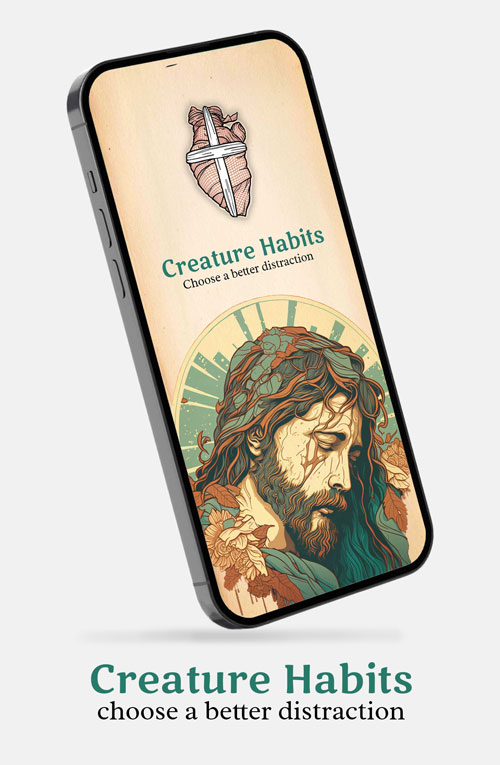
Fall into a rich, easy, quiet time with God
Free forever. No ads. Ever. Make room for God in the rhythms of your day. Explore the spiritual disciplines inside Creature Habits, and find a place to begin.

Get the Free App
Find your place to begin.
See three ways Creature Habits can help you make room for God.
Many ways to draw closer.
14 disciplines & features
 Scripture
Spend time with the daily readings, then explore the art, audio, and background around them. Creature Habits brings different ways of engaging with the Bible into one place.
- Choose daily readings, browse the whole Bible, or follow a reading plan.
- Mark passages as read, keep notes, and see your progress in a radial Bible view.
- Listen to dramatized audio and guided Lectio Divina prompts that invite you to bring a question to the passage.
- Explore Enduring Word, Blue Letter Bible, BibleProject, sketchnotes, and location views where available.
- Share Scripture notes with the community and explore questions with AI Bible tools.
Screen walkthrough
Scripture feature on Creature Habits
Watch on YouTube ↗Bible viewer demonstration
A new way to visualize the Bible
Watch on YouTube ↗Reading-plan feature
A more interesting Bible reading plan
Watch on YouTube ↗Guided-practice tutorial
How to do Lectio Divina in Creature Habits
Watch on YouTube ↗Scripture reflection
Bring a question to Scripture
Watch on YouTube ↗ Prayers
Make space for your needs and the people you care about. Return to prayer as an ongoing conversation, with room to notice how things unfold.
- Record requests and their developments.
- Explore prayers to help shape your own words.
- Bring the people and situations on your mind into your daily practice.
Prayer practice
A solution to mind wandering in prayer
Watch on YouTube ↗Related prayer experiment
Six hours of prayer and what I learned
Watch on YouTube ↗ Journal
Give your thoughts, questions, and prayers a place to land. The journal makes space for both what you want to say to God and what you sense in response.
- Write or use your phone’s keyboard dictation, with separate space for your prayer and the response you sense.
- Search, revisit, and edit earlier entries when signed in.
- Use journal prompts when you need a starting point.
- Choose to request AI reflection connecting your entries with the passages you read or memorize.
Screen walkthrough
A Better Way to Journal
Watch on YouTube ↗ Meditations
Step out of the noise and into a guided moment with God. Short audio meditations help you slow down, become attentive, and begin your quiet time.
- Try a one-minute rhythm: 20 seconds of gratitude, 20 sharing your heart, and 20 listening.
- Follow audio prompts and background music as you settle into prayer.
- Practice helpful responses to recurring negative thoughts with a five-minute guided exercise.
- Bring what you notice into prayer or your journal.
Screen walkthrough
Meditation page in Creature Habits
Watch on YouTube ↗App demonstration
One-minute meditation for your quiet time
Watch on YouTube ↗Meditation feature
Working with negative thoughts
Watch on YouTube ↗Guided meditation
One-minute meditation for anxiety
Watch on YouTube ↗ Art and Story
Meet Scripture through visual art and stories. Sit with an image, follow a modern-day parable, and notice what draws your attention.
- Discover art connected with the daily readings.
- Read short stories and reflections.
- Explore artist perspectives and take your own response into prayer.
Related art reflection
Wandering hearts come from wandering eyes
Watch on YouTube ↗ Worship
Engage your heart as well as your thoughts. Music and videos offer a way to express love, gratitude, longing, and praise to God.
- Explore music videos as part of your quiet time.
- Choose worship songs you want to return to.
- Reflect on lyrics and turn them into a personal response to God.
Related teaching
How to worship: getting the most out of it
Watch on YouTube ↗ Sabbath / Rule-of-Life
Pause to reflect on the life you are living and the habits that shape it. Use Sabbath and a rule of life to make room for rest, purpose, and the things that matter.
- Reflect on your week and the direction of your life.
- Connect your goals with practical habits.
- Make intentional space for rest and time with God.
Related tools and practice
Sabbath tools that supercharged my week
Watch on YouTube ↗ Daily Examen
Also called Record Memories, this practice invites you to look back with attention. Capture meaningful moments and reflect on where you noticed God's presence—or struggled to see it.
- Follow audio prompts with background music.
- Save a photo, a memory, and your reflections on God’s presence or apparent absence.
- Browse earlier memories with their photos and dates.
Screen walkthrough
Record your Memories!
Watch on YouTube ↗ Community
Bring your discoveries into a shared space. Connect with others through art, prayer, Scripture notes, and opportunities to practice together.
- Share art, insights, and prayers.
- Explore community Scripture notes and conversations.
- Find events, classes, and shared challenges.
 Verse Memory
Spend time with words you want to remember. The Verse Memory screen gives Scripture memorization a regular place in your daily practice.
- Add passages to your list, with a Bible Gateway link to look up and copy the text.
- Reveal a passage line by line, or hide it completely to test yourself.
- Create and edit AI-assisted visualization cues, phrase by phrase.
- Log completed practice and see how often you have memorized a passage.
Screen walkthrough
Verse Memory Screen for Creature Habits
Watch on YouTube ↗ God Stories
Make room for stories of faith and encounters with God. Consider another person's experience and what it stirs in your own life.
- Listen to accounts of faith and God's activity.
- Reflect on the hope and questions a story raises.
- Notice the stories taking shape in your own life.
Related personal story
A miracle I didn't expect!
Watch on YouTube ↗ Car Mode
Bring an audio-focused quiet time into the rhythms of your day. Car Mode offers a way to listen while you travel, walk, or work out.
- Use an audio-focused way to engage with the app.
- Make room for time with God during a walk or workout.
- Set up your listening before you start driving.
 Bonus Content
Keep exploring beyond your regular disciplines. Discover a changing collection of material that connects faith with creativity, culture, and everyday life.
- Explore talks, interviews, and reflections.
- Find movie connections, quotations, and nature videos.
- Try additional meditations and seasonal devotional material.
Related seasonal devotional
Holy Week: seven-minute Stations of the Cross
Watch on YouTube ↗ Ranked To-Do List
Bring a little intention to your next task. Enter your to-dos, then rank each one by quickness, urgency, and importance. Creature Habits moves tasks into the appropriate place on your list.
- Enter the tasks you want to accomplish.
- Rank each task by how quick, urgent, and important it is.
- Let the list reorder your tasks to help you decide what to tackle next.
Finding a rhythm, one day at a time.
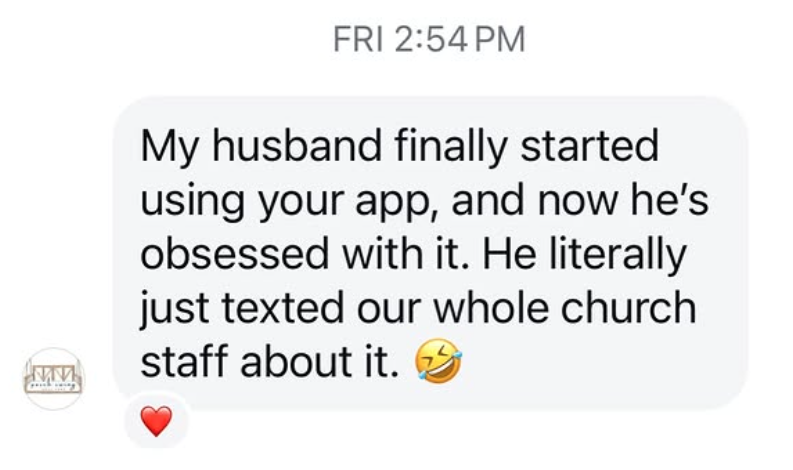
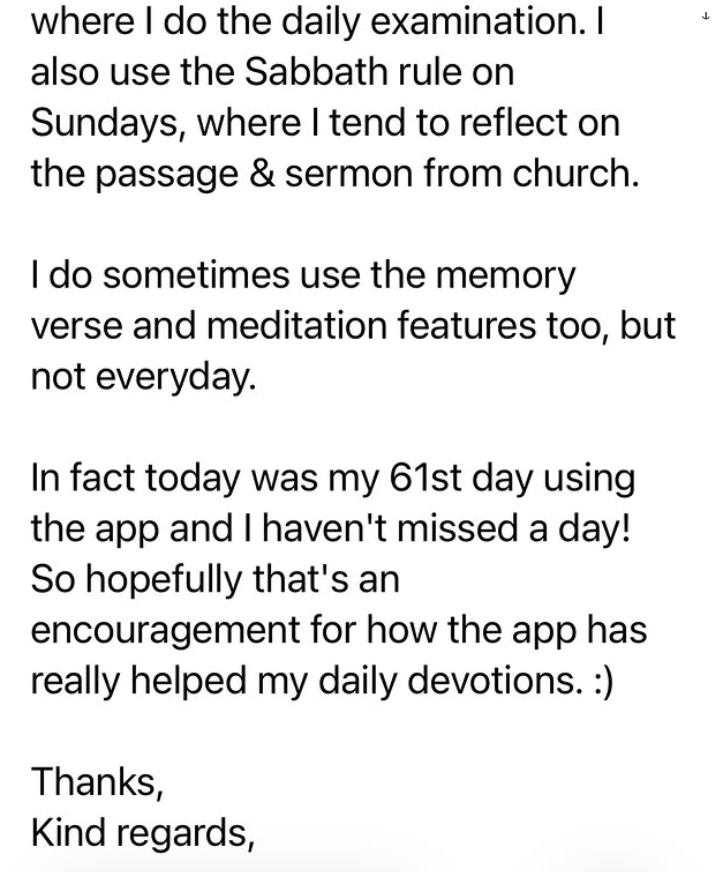
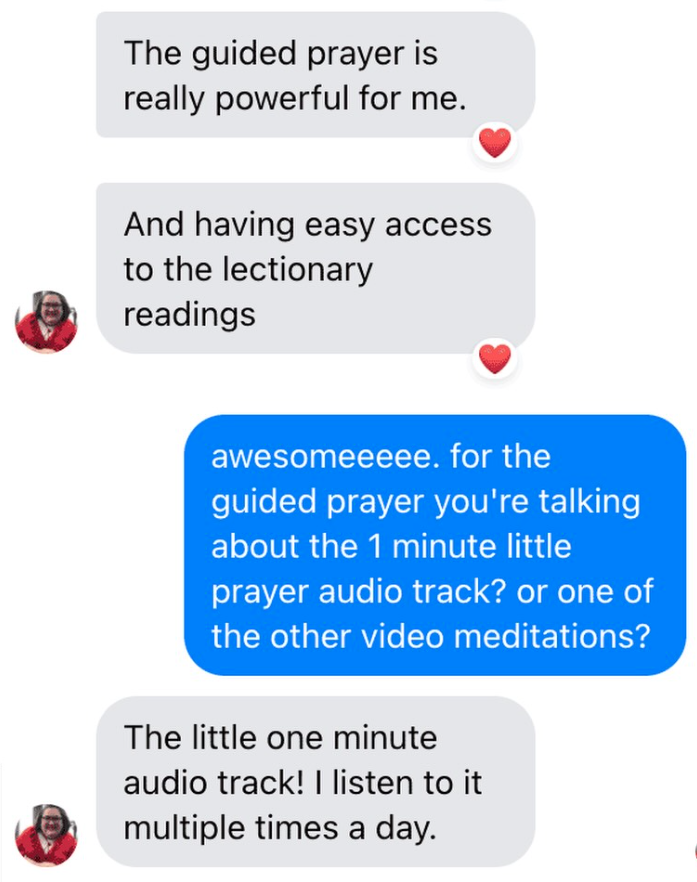
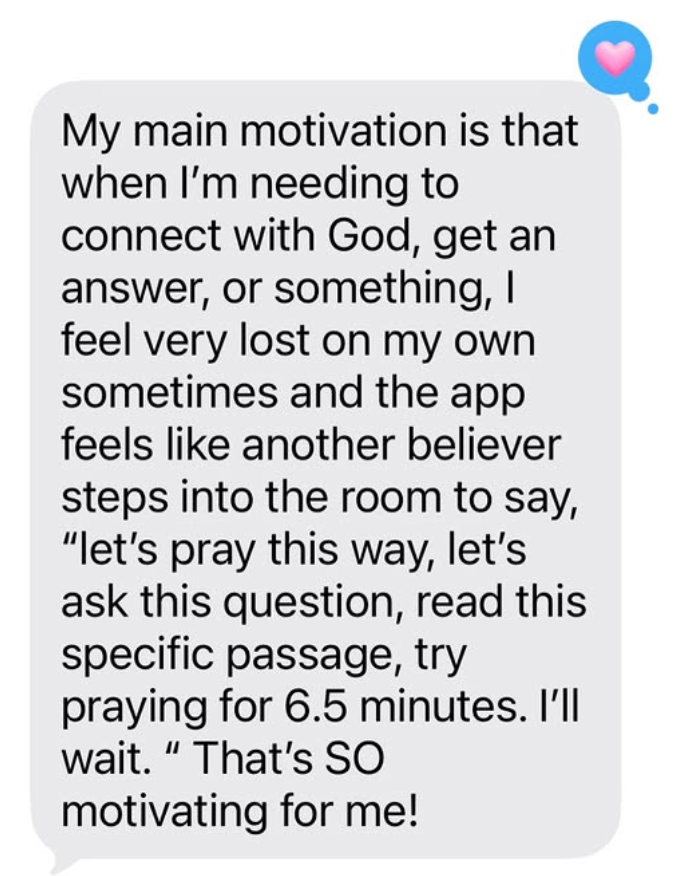
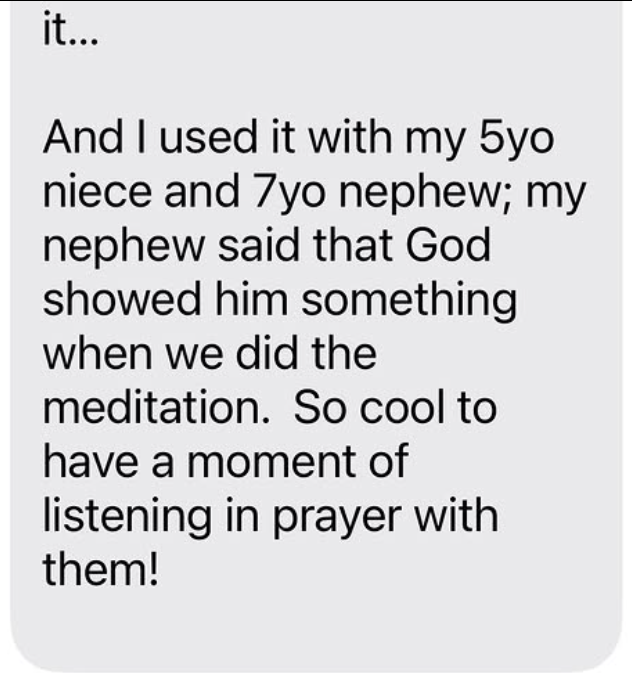
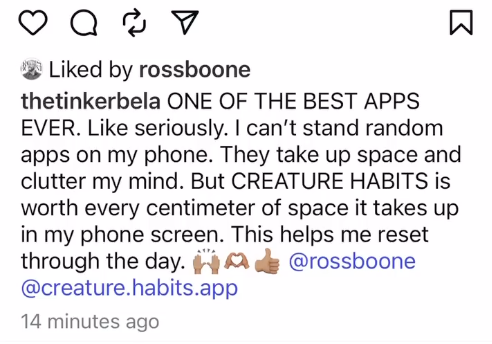
Messages from the Creature Habits community. Swipe or use the arrows to browse.
Make time together
Join our morning virtual devotional.
A little company for your morning time with God. Meet with us online at 7:05 AM Eastern time (Atlanta, USA).
Atlanta follows Eastern Standard Time in winter and Eastern Daylight Time in summer.
Join on Google Meet ↗A few questions before you begin.
Does Creature Habits cost anything?
Free forever. No ads. Ever. You can explore Creature Habits and its spiritual practices without paying.
What is the Money-to-Motivate program?
Money-to-Motivate is an optional program that gives you a chance to earn back $30 over a 30-day cycle as motivation to keep practicing. Every feature in Creature Habits is free. You never need to buy anything or join Money-to-Motivate to access all the app’s features. See the program’s signup information in the app for how it works.
Who is behind Creature Habits?
Creature Habits is a passion project by Ross Boone, developed over the past five years to help people make room for God through creative, everyday practices.
Where should I start?
Start small: try a one-minute meditation, spend time with a Scripture passage, or write a journal entry. Choose one practice that fits your day; you don’t have to do everything.
Explore meditations ↗Free forever. No ads. Ever.
Make a little room for God today.
Start with one small practice—no subscription, no distractions.
Download the free app ↗